

A benefit for being a Bupa client, with no deductible or coinsurance
Talking to a health care professional is a fast and reliable option for you to get the advice you need without any additional cost, deductible or coinsurance.

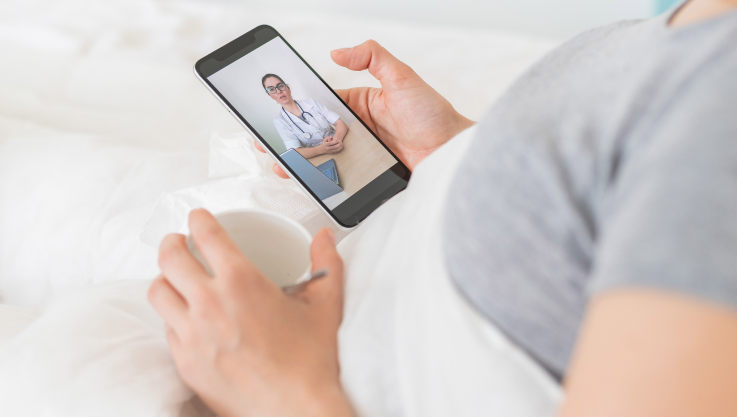
Anytime, anywhere
For minor ailments you can request a video consultation with our professionals 24 hours a day, 7 days a week.
Accessing teleconsultations is easy
- Download our My Bupa App, for IOS or Android.
Once in the app, log in to My Bupa using your username and password. - Click on the hamburger menu and you will find the "blua" button with a drop-down list. Here choose the option 'Video Consultations' and click on Request Video Consultation.
- A screen with the text "Your Doctor is waiting for you" will appear and you can click on Connect.
A doctor will immediately be waiting to assist you. - Check your scheduled sessions
Log in to the app at the requested date and time and go to the 'Go to scheduled sessions' option. Not applicable.
- Download our My Bupa App, for IOS or Android.
Once in the app, log in to My Bupa using your username and password. - Choose the option 'teleconsult'.
Once in My Bupa go to the 'teleconsultation' option, choose from the available schedules the one that suits you best and accept the scheduled session. - Check your scheduled sessions.
Log in to the app at the requested date and time and go to the 'Go to Scheduled Sessions' option. At the exact time a blue camera will be activated so you can enter the waiting room and start your teleconsultation.


